
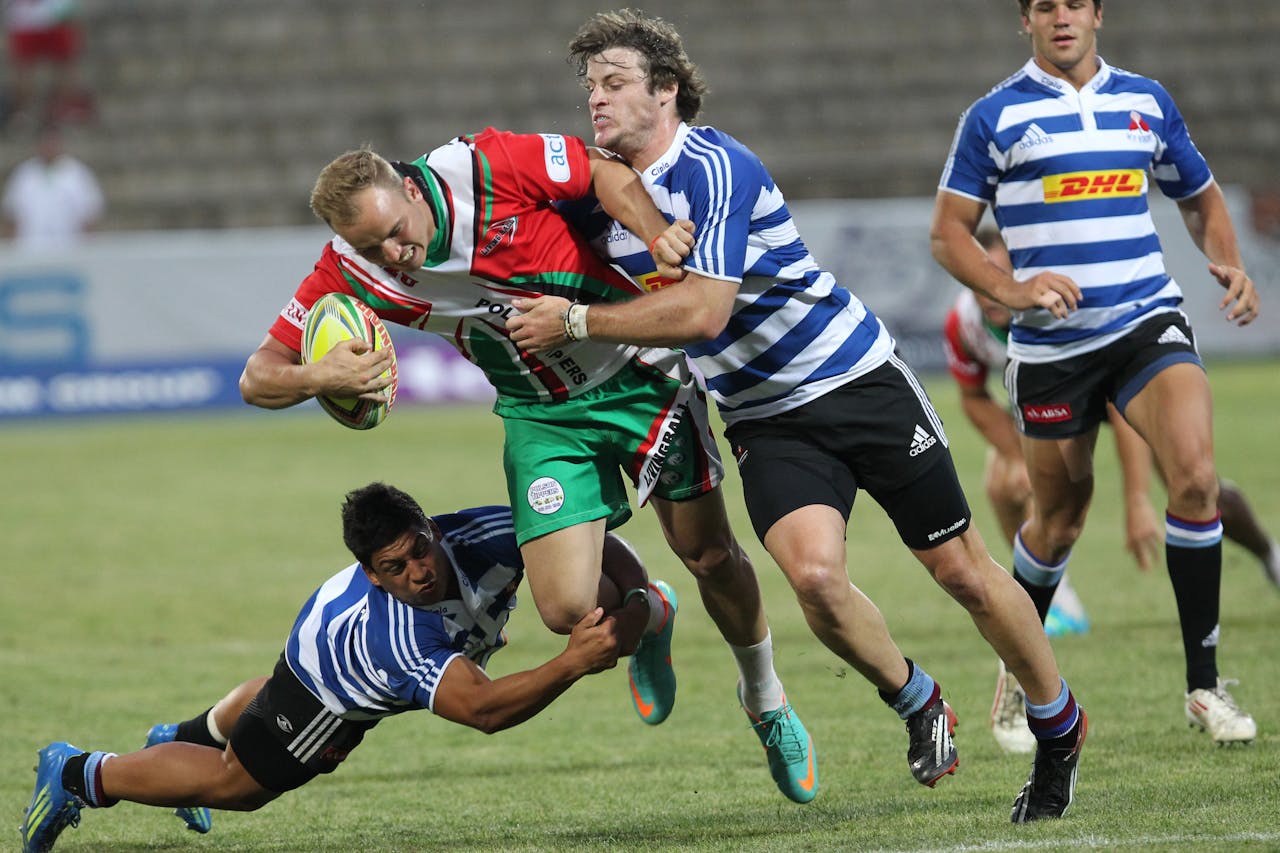
At a sports event, the workflow is familiar: photographers send from camera to an editor on a laptop. The editor culls, edits, and forwards selects to news desks and wire services. Speed is of the essence.
To make that happen, many teams run their own FTP server on the editor's laptop or a spare machine. The camera uploads to that machine over the venue Wi-Fi or a hotspot. It works until it doesn't. Unreliable connections, venue firewalls, IP address changes, and port or security issues turn a simple pipeline into a race against the clock. The editor's machine becomes a single point of failure, and debugging FTP in a crowded press room is nobody's idea of fun.
ZenTransfer as the alternative
ZenTransfer runs a global network of redundant FTP servers that are reachable from virtually any network. Photographers send from camera or laptop to ZenTransfer once. There is no need to expose the editor's machine to the internet or rely on a local FTP server. Connection reliability and firewall issues are handled by ZenTransfer's infrastructure. Your camera or app talks to the same FTP hostname and credentials everywhere; no reconfiguring when the venue changes or the IP of the editor's laptop changes.
Editor workflow: desktop app in Download mode
The editor runs the ZenTransfer Desktop App (Mac and Windows) in Download mode. Every file that lands in the photographer's ZenTransfer account is automatically downloaded to a folder on the editor's laptop. From there they use Photo Mechanic, Darktable, Lightroom, or any other tool to cull, edit, and forward. No manual FTP server setup, no dynamic IP or firewall configuration on-site. The editor just signs in, picks the download folder, and keeps working.
Advanced: relay to many desks with one upload
When you need to push to multiple news desks and agencies, use a second ZenTransfer account as a relay. Photographers send to the first account. The editor (or a dedicated ingest machine) receives everything via the desktop app in Download mode, culls and edits, then uploads once to the second account. That account is configured with FTP (and optionally other) destinations to all desks and agencies. ZenTransfer does the fan-out from there. You get a single outbound transfer from the venue, which minimizes on-location bandwidth while still delivering to every endpoint. For more on multi-destination delivery, see Delivering News Photos to Multiple Desks Simultaneously with ZenTransfer.
Get started
Sign up at zentransfer.io. Configure your camera's FTP settings to point at ZenTransfer, and have your editor install the desktop app and run it in Download mode. Test the flow before the event so that when the first frame lands, the rest is muscle memory.
What do you think?
Your thoughts help us improve our product and serve you better. Please take a moment to share your thoughts and ideas on how we can improve.